How filter tools make navigating large Formula 1 data libraries easier
Special FeatureThursday, 04 June 2026 at 06:12
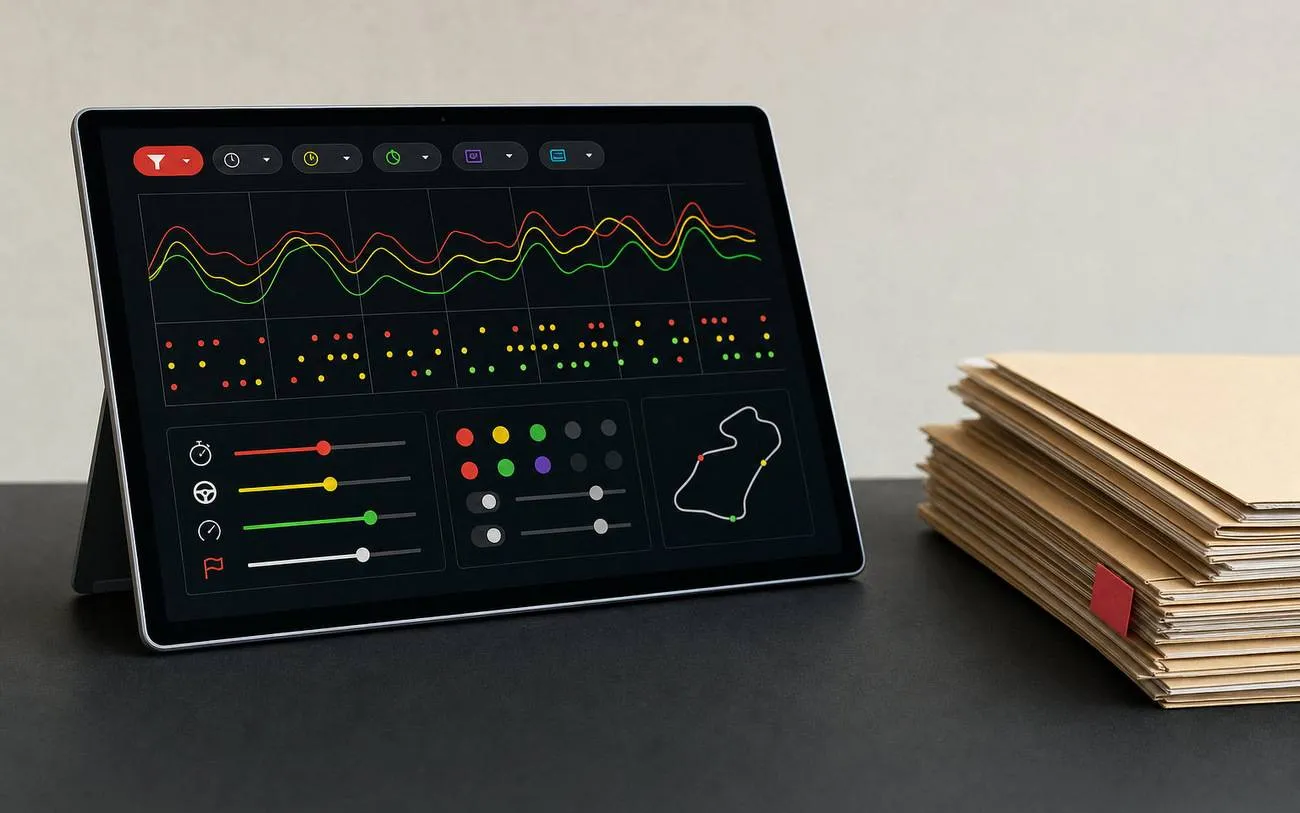
Filter tools have become essential for navigating the vast range of telemetry, setup, and race data now available in modern Formula 1 digital libraries.
As datasets and content collections expand, engineers and enthusiasts can be overwhelmed by the volume of records and information. Effective filtering and browsing systems can help improve usability within these platforms.
Today’s digital F1 archives and data platforms offer thousands of files, race replays, lap analyses, and technical documents, often organised in sprawling hubs. The scale of these libraries can create choice overload, and large casino game collections illustrate how quickly data can accumulate in specialised environments.
Users seeking a specific session, part specification, or analysis frequently encounter difficulty without targeted navigation tools. Locating preferred telemetry or discovering new technical notes often depends on systems designed for clarity and usability.
Why large libraries can overwhelm users
Modern motorsport libraries frequently contain thousands of data points and resources, such as lap times, car setups, and incident logs. The rapid pace of regulation changes and race weekends adds further layers, making it challenging to pinpoint precise information without dedicated filtering assistance.
Each F1 professional or fan arrives with distinct objectives, analysing historic seasons, reviewing driver stints under specific conditions, or studying updates on technical regulations. Relying solely on a long chronological list rarely supports these differing needs, highlighting the necessity for tailored filter tools within motorsport libraries.
Types of filters that streamline navigation
Motorsport platforms have developed several key filter options that cut through the complexity for users. Typical choices include sorting by season, circuit, session type (practice, qualifying, race), or team/driver name, enabling targeted access to relevant content.
Category selections can help distinguish between telemetry, onboard footage, engineering notes, or regulatory documents, streamlining navigation without overcomplicating menu layouts. Feature-oriented tags, such as weather conditions, tyre compound, or mechanical component, provide additional granularity, allowing engineers or fans to focus the library on datasets or analyses that suit their interests.
Features that enhance searching and discovery
Predictive search is effective at addressing common issues like spelling mistakes with driver or circuit names, returning rapid suggestions to improve the user experience, especially in large datasets or extensive historical content.
Quick-access features, such as recently viewed items or the ability to save filter settings, help users return to prior datasets quickly. This supports efficient exploration and comparison, aiding repeat analysis or ongoing research within large F1 archives.
Evaluating the quality of a platform’s filters
Clear and consistent filter labels and taxonomy help users avoid empty or irrelevant result pages. Reliable filter behaviour, such as persistent settings or intuitive controls, contributes to a more dependable navigation experience, especially when handling substantial F1 datasets.
When comparing data platforms, consider whether search and filter functions return accurate, unbiased results and avoid promoting a subset of records, as noted by Caleb Daly. Well-designed filter tools support fast, consistent access to the most relevant information in a large, specialised environment.


Latest News









Loading